
TechSpot

Technology items can be checked out or used in-house at the Adult Services Desk on the second floor. For in-house use, a library card in good standing is required. Take-home items are available exclusively to Indian Trails Library card holders with a card in good standing.
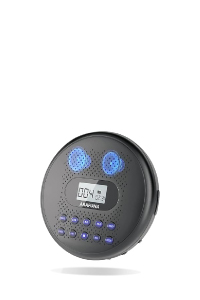
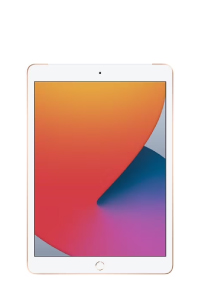
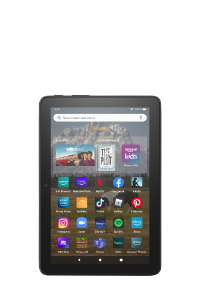
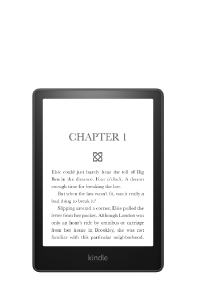
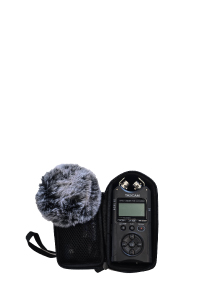
DEVICES FOR CHECK OUT
Must have a valid ITPLD library card in good standing. Items vary in loan period from 2-3 weeks depending on the item. Items must be picked up and dropped off at the Adult Services desk on the second floor.







DEVICES FOR IN-LIBRARY USE
Must have a valid library card in good standing from any library. Items must be returned before leaving the library.
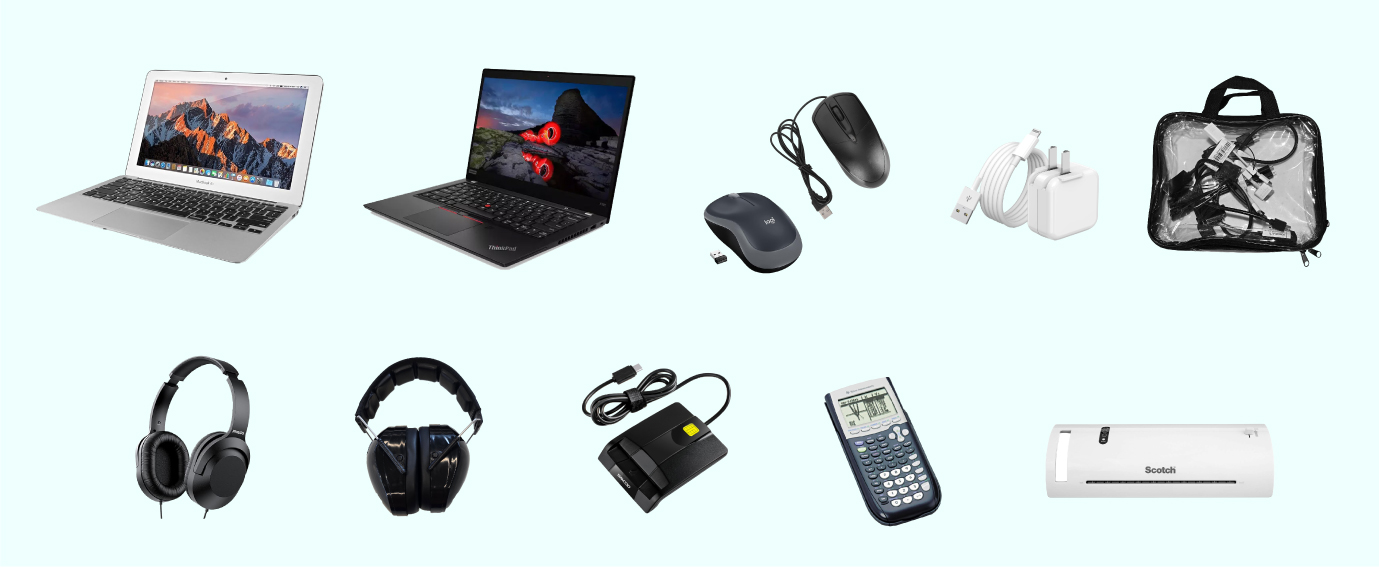
• HDMI Cable Pack
• Laminator
• Mac Laptop
• Military ID Reader
• Mouse/ Wireless
• Noise-canceling Headphones
• Over-ear Headphones
• PC Laptop
• Ti 83 Calculator
PC Computer Software
•Adobe Acrobat Reader
•Internet (Chrome, Edge, Firefox)
•iTunes
•Microsoft Office Suite(Excel, OneDrive, OneNote, Outlook, PowerPoint, Publisher, Word)
•Video Calls (Skype, Zoom)
•Windows OS
Mac Computers Software
•Adobe Acrobat Reader
•Android File Transfer
•Apple iWork Suite (Keynote, Numbers, Pages)
•Apple Programs (Books, Calendar, GarageBand, iMovie, Mail, Maps, Messages, Music, Notes, Photos, Podcasts)
•Internet (Chrome, Firefox, Safari)
•MacOS
•Silhouette Studio
•Video Calls (FaceTime, Skype, Zoom)
Media Mac Software
•Acrobat Pro
•Bridge
•Dreamweaver
•Fireworks
•Flash
•Illustrator
•InDesign
•Photoshop
ITPLD CARD-HOLDER RESOURCES
Gale Courses
Six-week online continuing education classes.
DigitalLearn
On-demand presentations to help you learn about computers and technology.
LinkedIn Learning
On-demand videos to learn technology skills.
Udemy
On-demand video courses on a wide range of topics including computer use and technology skills.
FREE ONLINE RESOURCES
Technology for Teachers and Students :An educator and educational technology enthusiast. The videos on this channel will help you learn how to use a wide range of computer software applications, educational websites, and other technology tools. New video every Monday.
Teacher’s Tech: An avid tech enthusiast and educator making your journey into tech a whole lot easier. Beginner-friendly videos that explain tech concepts in plain English, step by step.
Kevin Stratvert: High quality how-to videos that help you quickly get up to speed with office productivity software from a former Microsoft Product Manager and Windows MVP.